STEP 01 — Choosing widget type
Select a widget type from the list below.
STEP 02 — Creating the widget
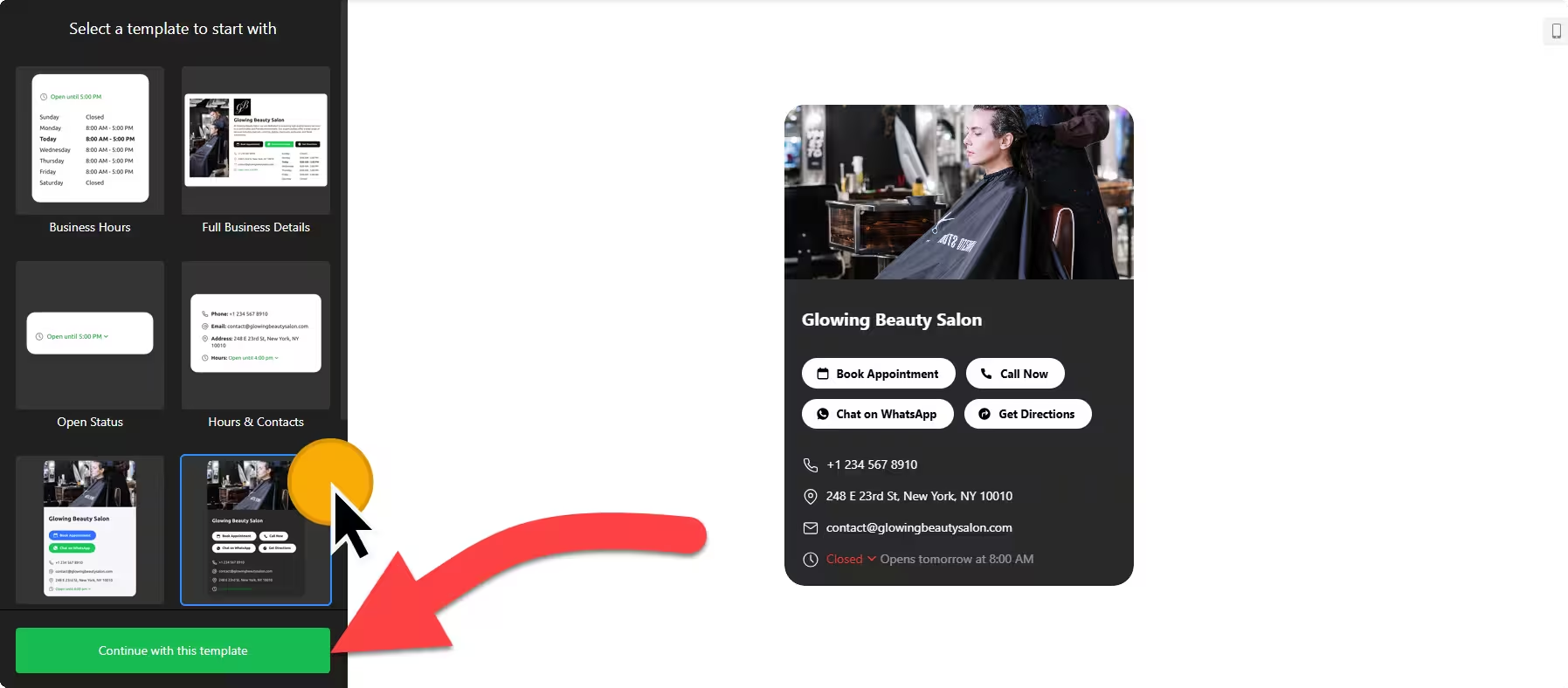
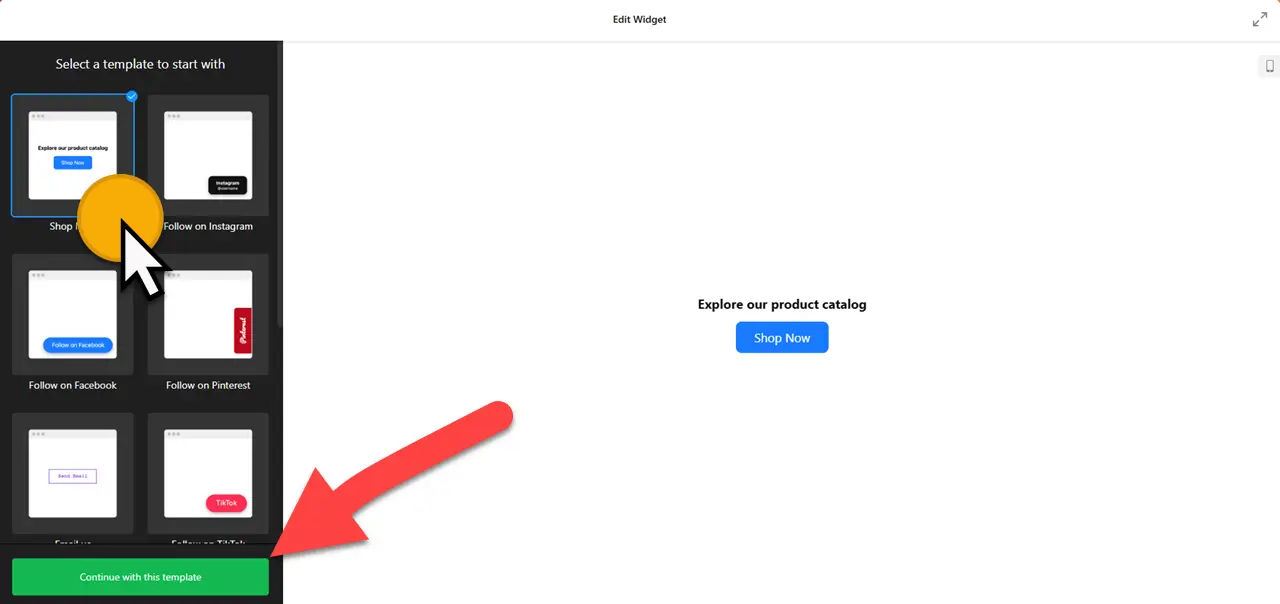
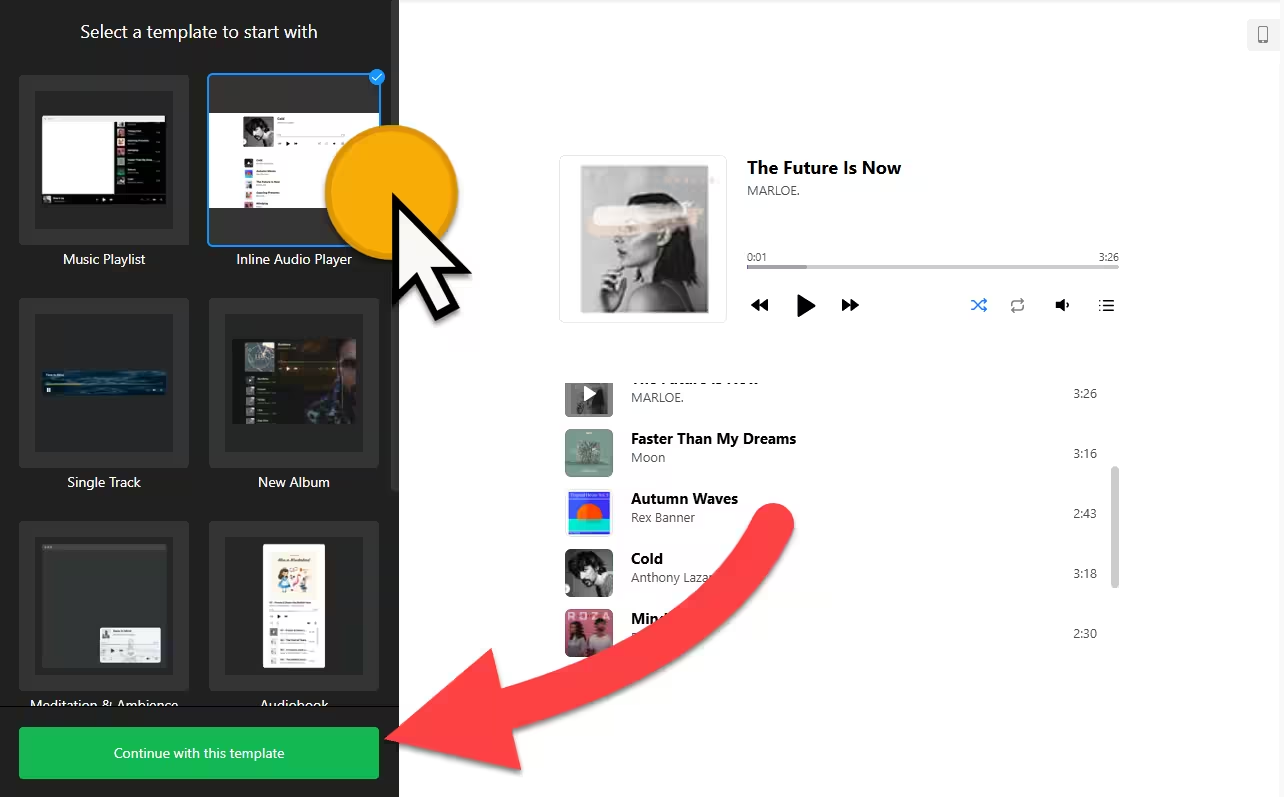
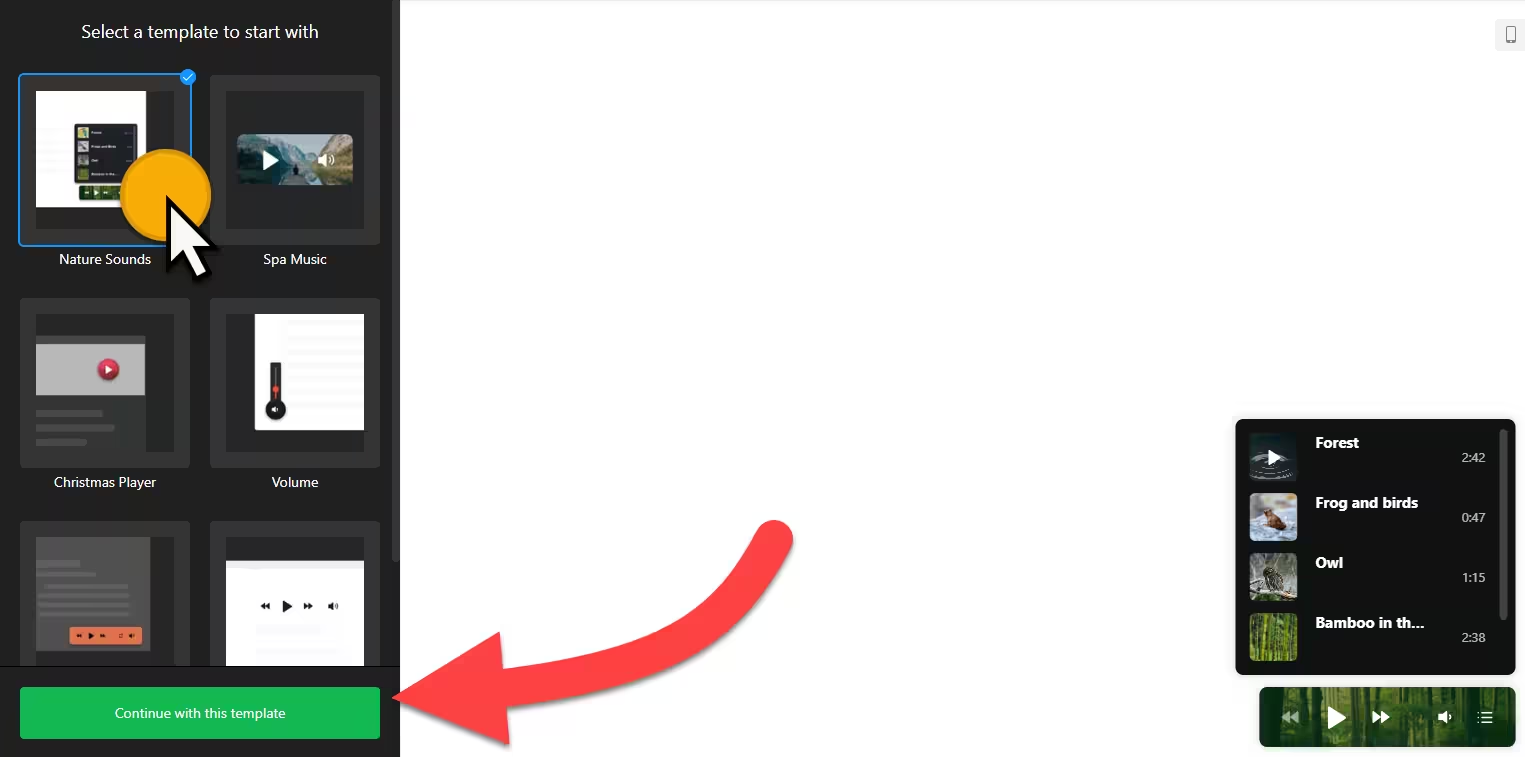
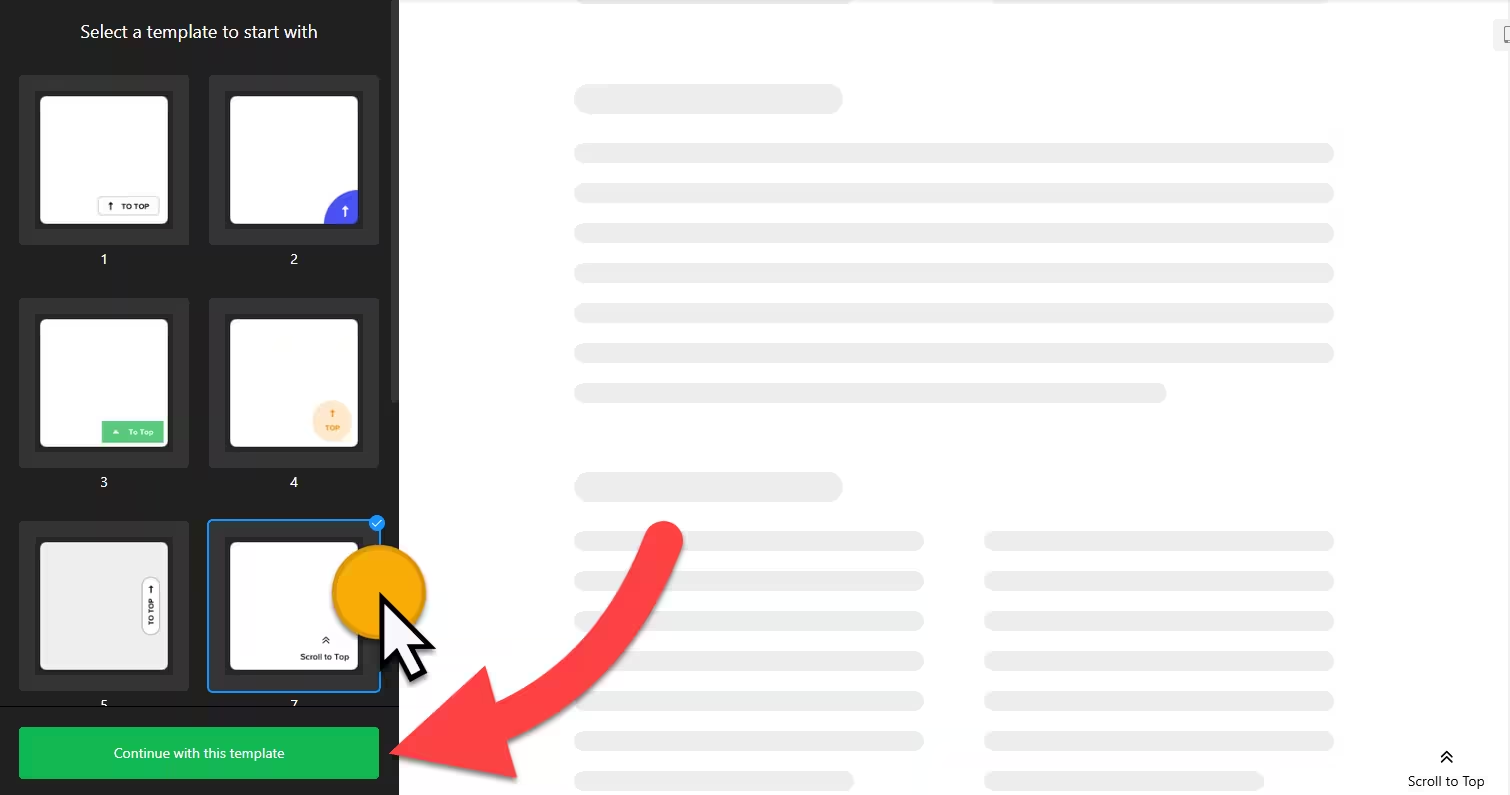
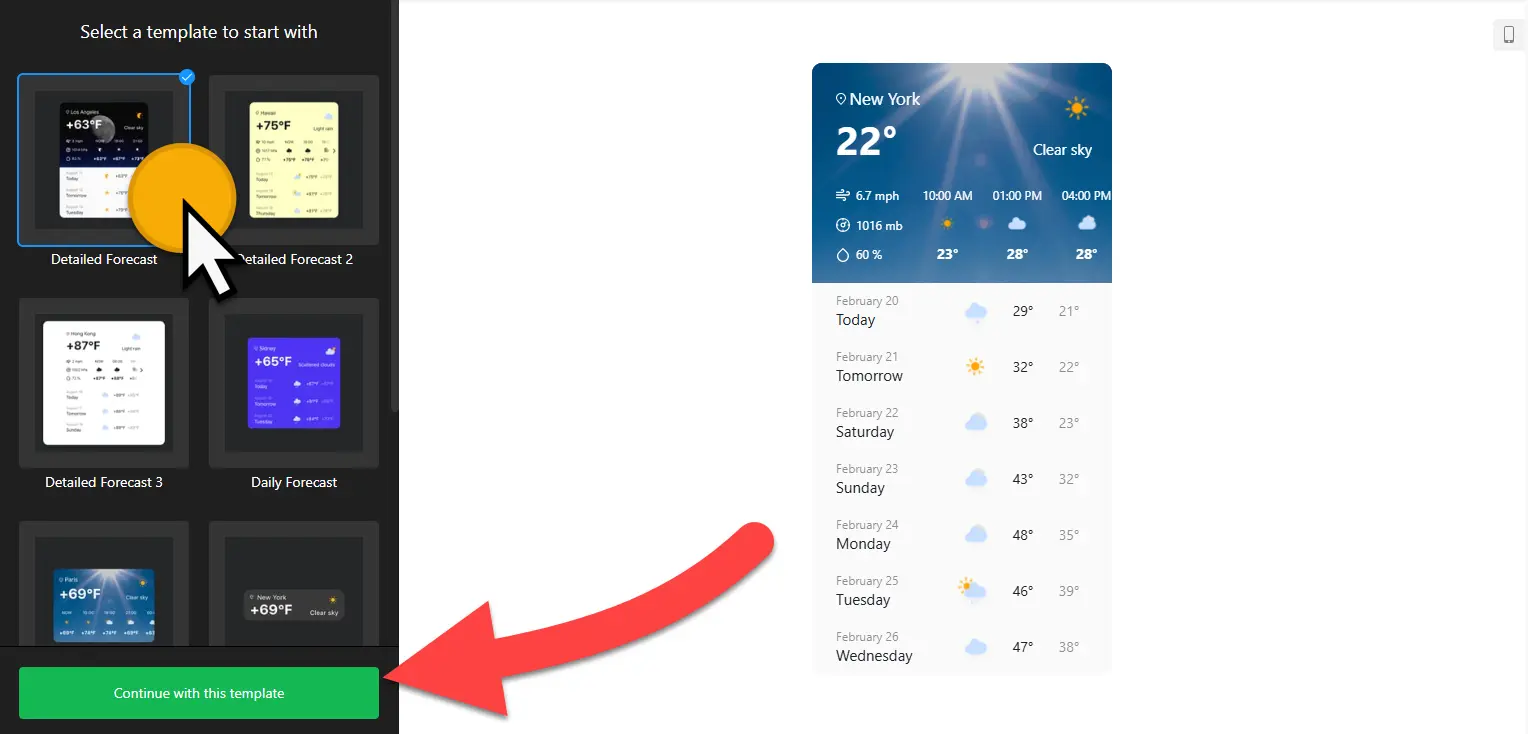
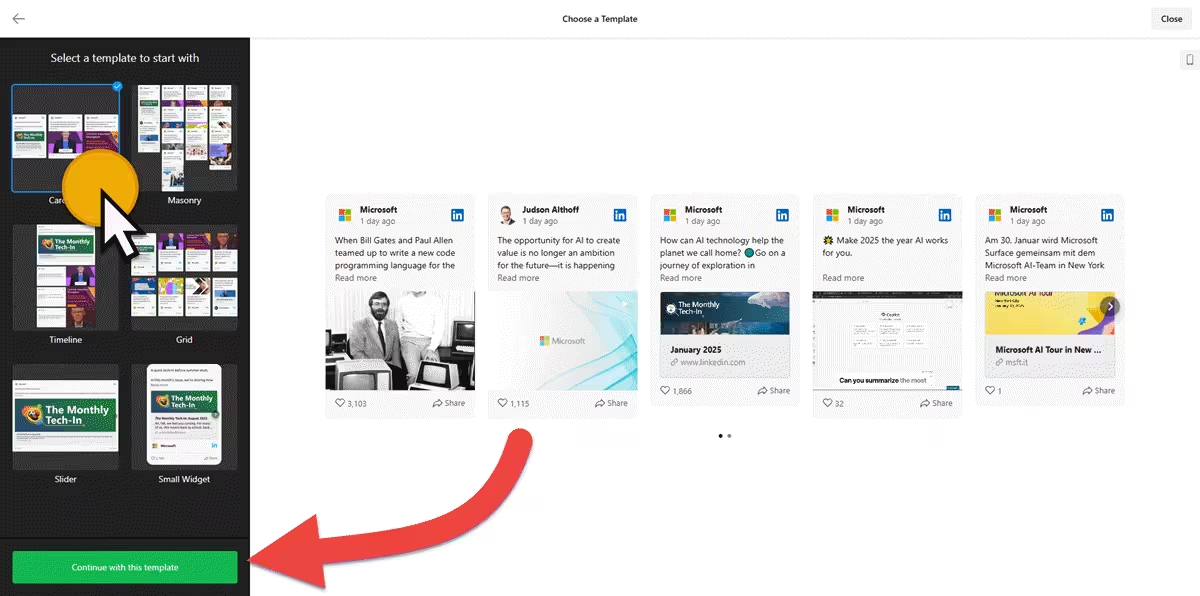
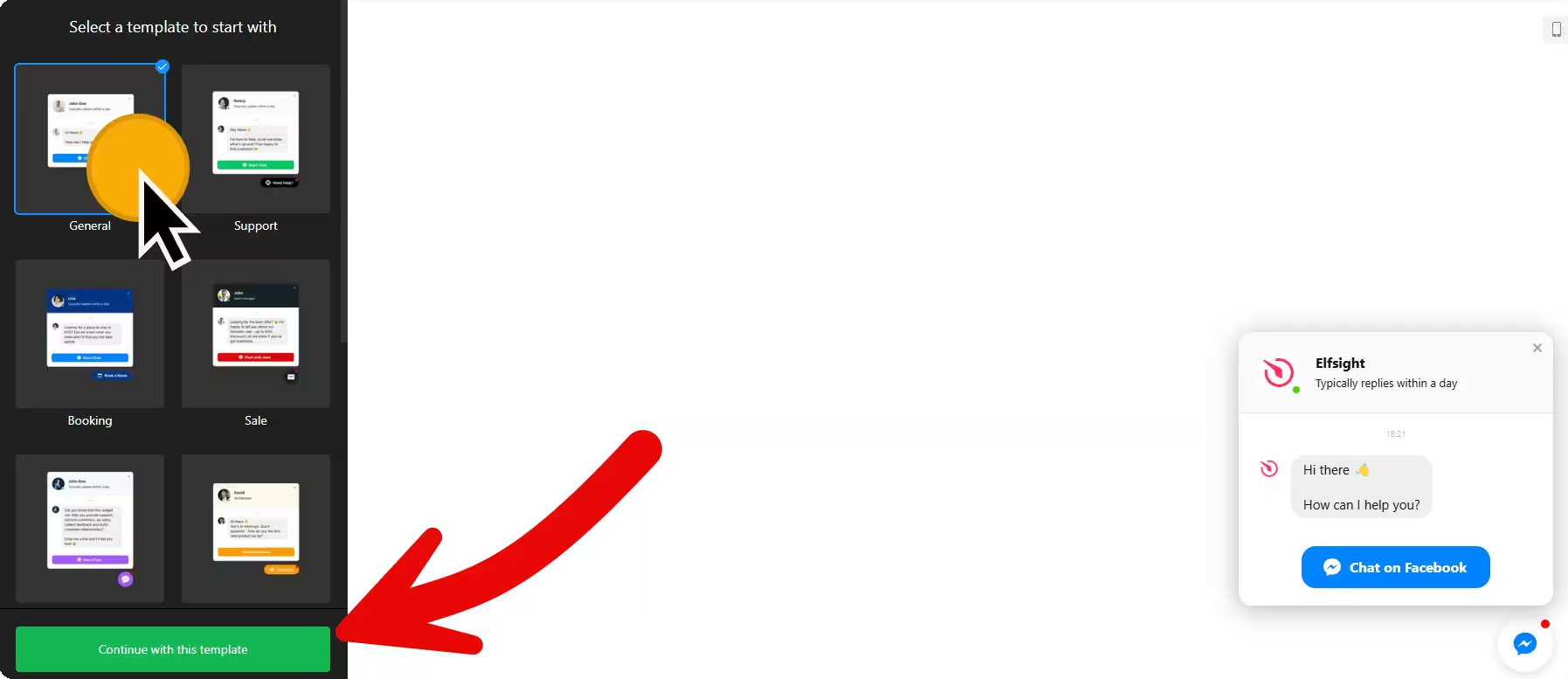
Select a template, click on the “Continue with this template” button, and customize your widget. Your widget has many customization options. You can also use custom CSS and JS to further enhance your touch!
STEP 03 — Adding to your website
Click the ‘Add to Website for free‘ button, then register by entering your email address and password so you can manage them later from your dashboard. Copy the embed code (HTML) and paste it into your website’s HTML page, theme, template, or source code editor where you want to display it.
-
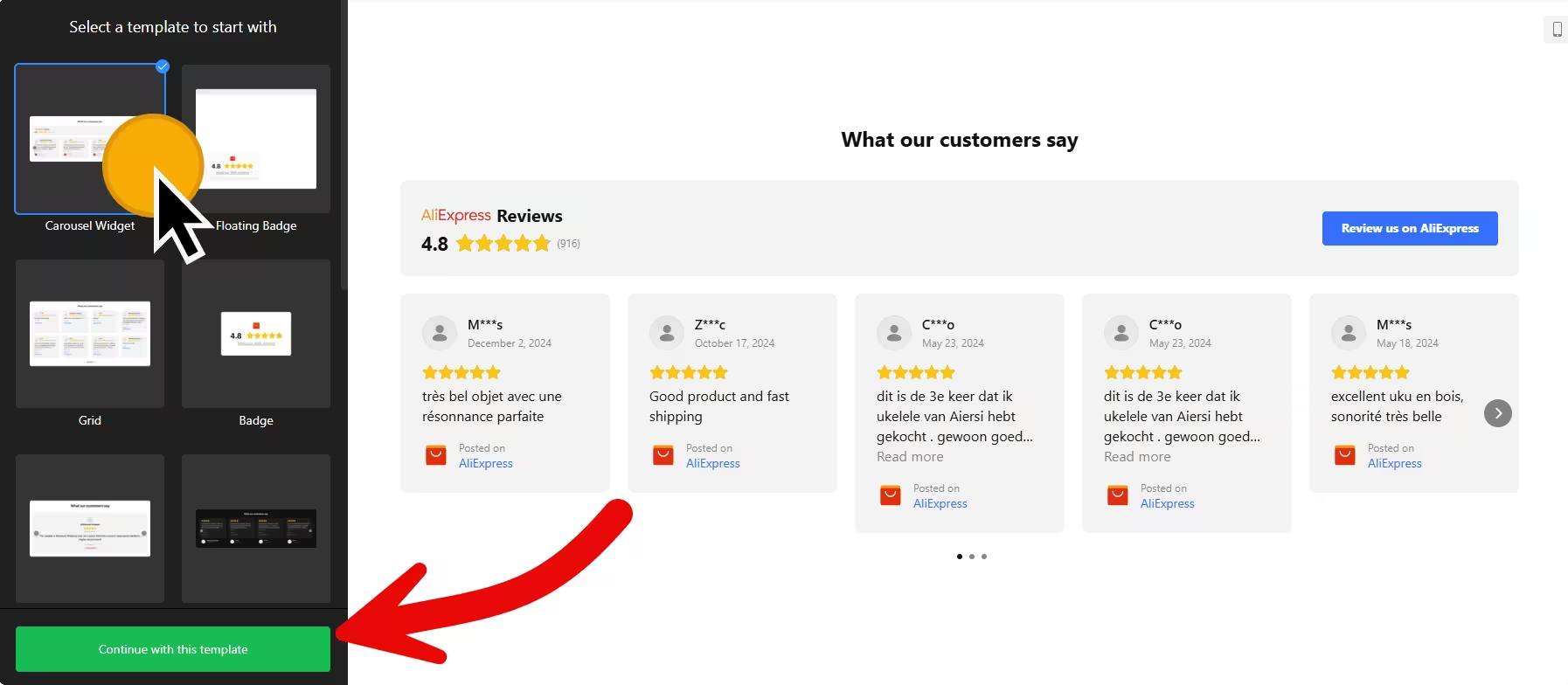
Free AliExpress Reviews Widget Generator: Add AliExpress Product Reviews to Your Website
-

Free Business Hours Widget Generator: Add Working Hours Details to Your Website
-

Free Button Generator: Add HTML/CSS Button to Your Website
-
HTML Radio Player: Add Free Live Streaming Widget to Your Website
-

Audio Player Widget Generator: Add Music Widget to Your Website
-

HTML Background Audio Widget Generator – Add Background Music to Your Website
-
Sticky Announcement Banner Widget – Add Notification Bars to Your Website for Free
-

Back to Top Button Widget – Add Scroll Plugin to Your Website for Free
-
Pinterest Widget – Add Pinterest Boards, Pins, and Profile to Your Website for Free
-

Weather Forecast Widget Generator – Add Weather Widget to Your Website for Free
-

Free LinkedIn Feed Widget Generator – Add LinkedIn Company Posts to Your Website
-

Facebook Messenger Chat Widget – Add Facebook Chat Plugin to Your Website for Free